Run your shop, orders, and storefront without the chaos.
Share your store link, chat directly with customers, record payments in seconds, and track every cedi—paid, unpaid, or pre-ordered—from one dashboard.
Today's revenue
GHS4,820.00
To fulfill
7
Owed to you
GHS1,240.00
Out of stock
3



Your own store link
Customers browse kora.merchander.app and tap + to add items right to their cart.
Every order in one queue
Search by customer, item, or status. See pending payments, pickups, and deliveries at a glance.
Built for real shop chats
Keep your natural back-and-forth with customers—then turn the conversation into a paid order and receipt in seconds.

Receipts & Storefront
Send a receipt that makes your shop look twice as big.
Every sale creates a clean, itemized digital receipt showing the exact items, total in cedis, and payment method—ready to share in one tap while your customer is still on their phone.
Pre-orders & Fulfillment
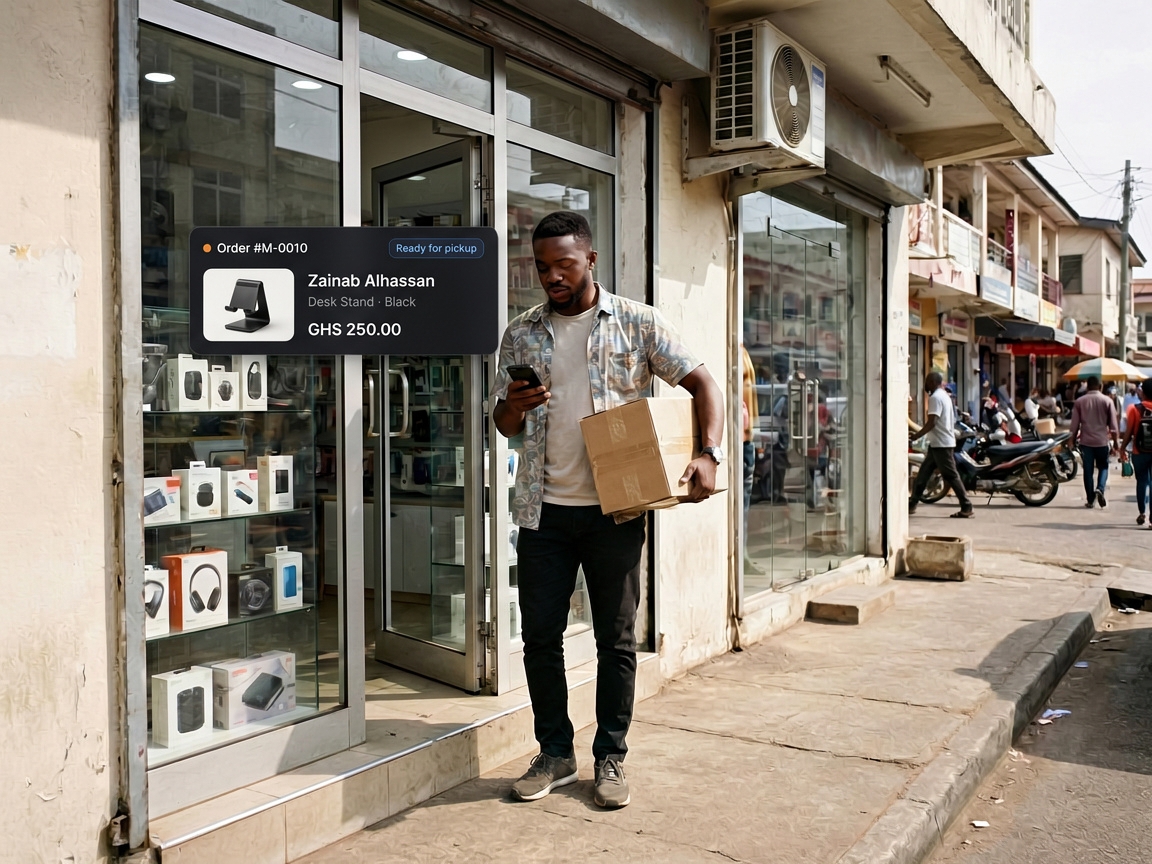
Shipment landed? Tell every waiting customer in one tap.
Group pre-orders into batches, track deposits against balances due, and send arrival alerts the moment the boxes reach your shop.
Staff & Branches
Hand off the counter without sharing your password.
Send an invite link, pick a role preset, and decide exactly who can ring up sales, adjust stock counts, or view full shop revenue across branches.
Installs like a native app
Add Merchander to your home screen on Android, iPhone, or desktop—fast even on mobile data.
Cost prices stay private
Your public storefront shows only customer-facing prices and variants—never margins or internal counts.
Optional stock tracking
Add a product and log your first sale in two minutes—items stay uncounted until you choose to track inventory.
FAQ
Questions merchants ask before switching
No. In Merchander, stock counts are optional. Products start as uncounted so you can add an item, record your first sale, and send a receipt in under two minutes without seeing false "out of stock" warnings.
You pick your store address at sign-up (like kora.merchander.app). Customers can browse your products, variants, and prices on their phone while your cost prices, SKUs, and internal stock counts stay completely private.
Yes. Every order records how the customer paid—MTN MoMo, Telecel Cash, cash, bank transfer, or part-payment—and your Overview keeps unpaid balances and follow-ups visible so nothing slips through the cracks.
Group incoming stock into a pre-order batch, record each customer’s deposit and remaining balance, and notify everyone in the batch in one tap when the shipment arrives.
Yes. Invite staff with a link and assign a role preset (Owner, Branch Manager, or Sales Staff) so floor staff can log sales and pack orders without accessing store-wide financials or settings.
Connect the toolsyou already use
Keep the payment channels, chat apps, and delivery workflows your customers already trust—Merchander ties them into one clean shop system.
 TTelecel CashTTelecel Cash
Turn a WhatsApp chat into a paid MTNMTN MoMo order and receipt